Actual Budget alternative
Keep envelope budgeting. Bring your currencies together.
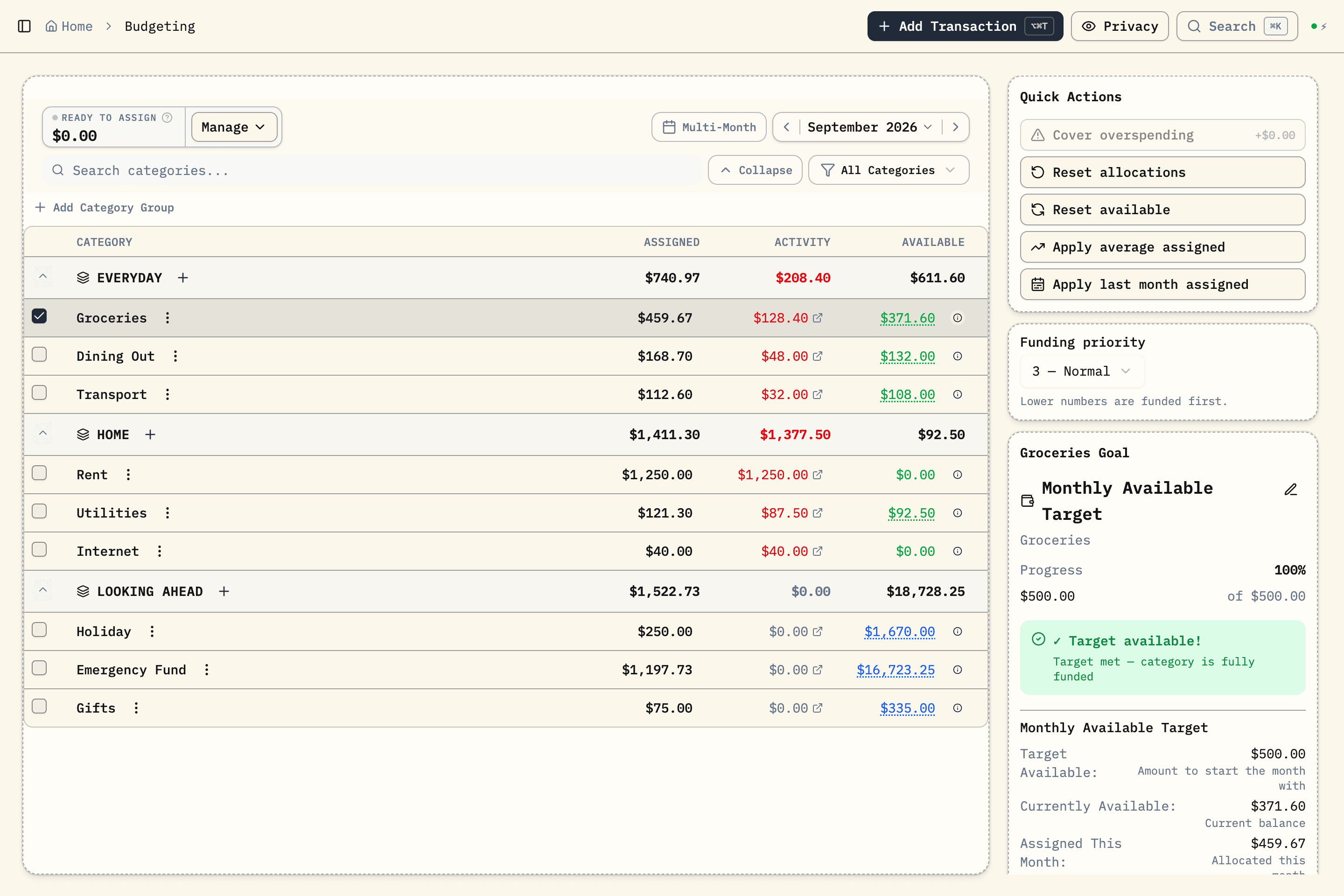
Budgero is an Actual Budget alternative for households with accounts in different currencies, or people who want a managed Cloud service with encrypted budget sync. You can also self-host it. Bank sync is optional (beta): bring your own SimpleFIN or Enable Banking connection, and Budgero's servers never see your bank data.
Cloud trial: no credit card required.
Written by Budgero, the maker of one of the products compared. Based on the official documentation linked below, checked . We have not tested every hosting setup or bank provider.
Actual Budget and Budgero: the practical differences
Swipe the table to compare both apps.
| Your priority | Actual Budget | Budgero |
|---|---|---|
| Budgeting method | Envelope budgeting with money you already have. | Zero-based envelope budgeting with money you already have. |
| Multiple currencies in one budget | No native currency conversion; the documentation describes an experimental workaround. | Accounts retain their currencies; categories and reports use your budget currency. |
| Encrypted budget sync | End-to-end encryption is available when you enable it. | End-to-end encryption is built into workspace sync. |
| Bank connections | Optional integrations through supported providers, with a server and provider setup. | Optional bank sync (beta) through your own SimpleFIN (US & Canada) or Enable Banking (Europe) account; Budgero never sees your bank data. Manual entry and statement imports also work. |
| Hosting | Local desktop use, your own server, or third-party hosting such as PikaPods. | Free self-hosted software or Budgero Cloud ($4/month or $35/year). Hosting costs still apply when self-hosting. |
Actual’s bank-sync credentials are outside its encrypted budget-sync layer. Provider availability, fees, and setup vary. See its bank integration documentation before choosing an app around a particular bank.
When a different currency is more than a display setting
Suppose your rent comes from a euro account and you also keep money in pounds. Adding the two balances as plain numbers would give a misleading total. Budgero keeps each account in its original currency and converts amounts into the budget currency for planning and reporting. You can override a rate when it differs from your statement.
Actual’s documentation says native multi-currency support is not available and describes a rule-template workaround. If that already meets your needs, a switch may add more work than value. If managing conversions has become a regular chore, try Budgero’s multi-currency workflow with a small sample first.
When staying with Actual Budget makes sense
Actual is free, open-source budgeting software. It has desktop options, self-hosting, optional bank integrations, and third-party hosting. You do not have to maintain a Docker server yourself to use it. If your budget works well today and a supported bank connection saves you time, those are good reasons to keep it.
If you want a different hosted service with bank import, YNAB is another option to compare. Its direct import supports selected banks, so check your own bank first. Our budgeting app comparison covers more choices; the detailed Actual Budget vs Budgero article looks further at these two apps.
Try a switch without moving your whole history
- Keep an export of your Actual budget before starting.
- Create a small Budgero budget and choose each account’s currency.
- Either start from current balances, or test a limited transaction CSV export through the import preview. For a fresh start, use the current statement balance. For historical imports, use the balance immediately before the imported period so you do not count those transactions twice.
- Check dates, transfers, split transactions, currencies, and final balances.
- Set up your category assignments and goals, then try your normal weekly review.
If you used Actual’s currency-conversion rules, check whether exported amounts are already converted. Before importing into a foreign-currency account, make sure the amounts are in that account’s original currency. Starting from current statement balances avoids having to reconstruct those historical amounts.
Budgero does not offer a one-click Actual budget-file migration. A transaction import does not recreate Actual’s category funding history, rules, or all its settings. Keep your original budget until you are satisfied with the new one.